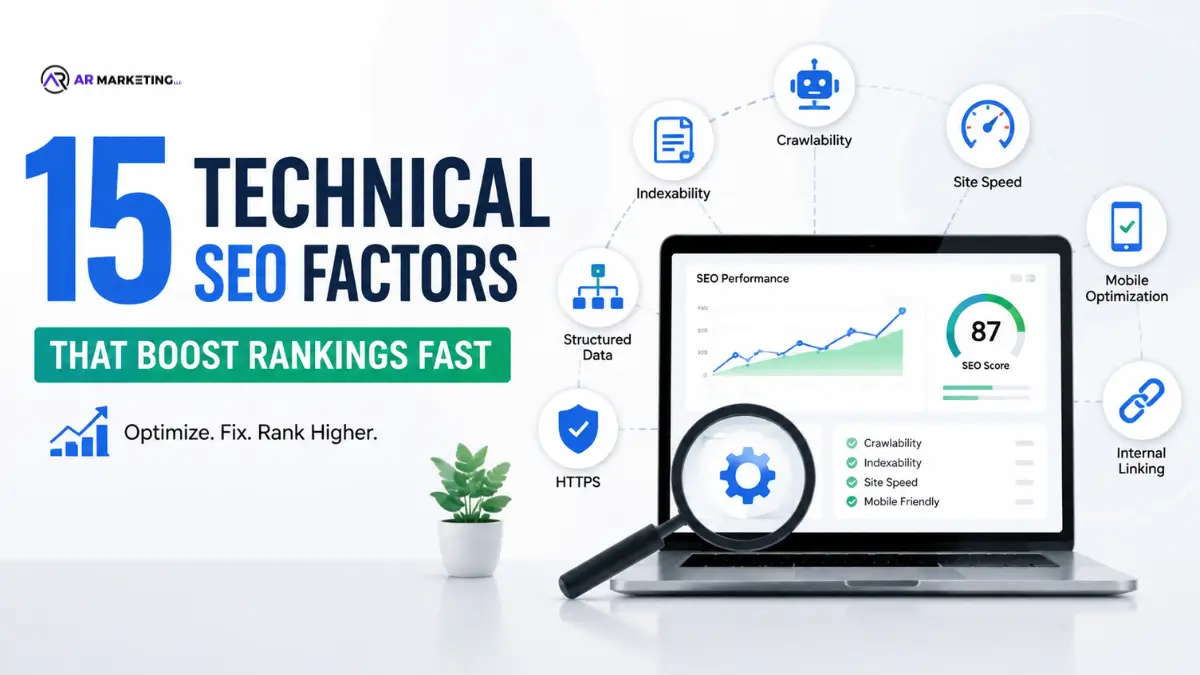
Technical SEO is the core of any online marketing plan. Content is the king, and links are a currency Technical SEO is the basis that helps Google crawl and index and rank your website efficiently. Poorly optimized website structure can hurt your ranking regardless of how excellent the content you provide.
In this complete guide, we’ll go over the most important SEO technical factors that Google utilizes to evaluate your site. No matter if you’re operating an online store or a blog or a service-based enterprise These factors directly affect your search engine visibility as well as organic traffic.
Why Technical SEO Matters?
Before we dive in to the list, we must know the reasons why SEO technical is a must:
- Crawlability: Google can’t rank the content it cannot crawl. Issues with the technology prevent the search engines from getting access to your site’s content.
- Indexation If Google crawls your website but technical issues could prevent pages from being indexable.
- user experience The technical aspects directly impact how visitors interact with your website which affect bounce rates and the time spent on a page.
- Rankings The Core Web Vitals as well as page speeds are proven ranking factors that could determine or derail your online visibility.
The 15 Critical Technical SEO Factors
1. Site Speed & Page Load Performance
Page speed is among Google’s most important ranking factors. People expect websites to load in less than 3 seconds. Google makes it crystal clear that slow sites do not rank.
How to Check: Use Google PageSpeed Insights, GTmetrix, or Lighthouse
- Image compression
- Minify CSS, JavaScript, and HTML
- Make sure that you enable caching for your browser.
- Use a Content Delivery Network (CDN)
- Reduce response time of servers
2. Core Web Vitals
Google’s Core Web Vitals measure real-world user experience using three important indicators:
| Metric | Good | Needs Improvement | Poor |
|---|---|---|---|
| Largest Contentful Paint (LCP) | 2.5 seconds | 2.5 to 4 second | > 4 seconds |
| Cumulative Layout Shift (CLS) | < 0.1 | 0.1 – 0.25 | > 0.25 |
| First Input Delay (FID) | < 100ms | 100 – 300ms | > 300ms |
Action Items:
- Optimize images for speedier LCP
- Make sure you do not have layout changes by creating space for embeds and ads
- Minimize JavaScript blocking of FID.
3. Mobile Responsiveness
More than 60% of all searches originate from mobile devices. Google utilizes mobile-first indexing that is, it crawls and indexes mobile-friendly version of the website.
Checklist:
- Test your site on multiple devices
- Make sure that buttons and links are accessible to touch.
- Text should be easily read without zooming
- Utilize responsive design, and not separate desktop or mobile versions.
- Make sure you are able to use mobile devices within Google Search Console
4. SSL Certificate & HTTPS
HTTPS isn’t only a ranking factor, it’s an essential security feature. Google declares HTTP websites with the status of “Not Secure” in browsers.
| Aspect | Details |
|---|---|
| What It Is | Secure Sockets Layer protects information between the server and the user |
| Why It Matters | Google ranking factor and confidence of the user and data security |
| How to Implement | Purchase an SSL certificate through a reputable supplier |
| Cost | Hosting providers are often free Some hosters charge $50-300/year |
5. XML Sitemaps
An XML sitemap informs Google the pages that are on your site, and the frequency at which they change. This is especially crucial for large websites, or those that have poor internal linking.
Best Practices:
- Create both XML sitemaps as well as an HTML sitemap
- Include all pages that are important
- Eliminate thin pages, duplicates and redirect pages.
- Submit to Google Search Console
- Keep an eye on the site for new content regularly.
6. Robots.txt File
The robots.txt file informs search engines which sites to explore and which to stay clear of.
User-agent: *
Allow: /
Disallow: /admin/
Disallow: /private/
Sitemap: https://yoursite.com/sitemap.xml
7. Site Architecture & URL Structure
A clear site structure can help Google to understand the hierarchy of your content and effectively distributes link equity.
| Structure Type | Pros | Cons |
|---|---|---|
| Flat (Homepage – Page) | Simple crawling for sites with small footprints | Large sites can be difficult to manage. |
| Hierarchical (Home – Category – Subcategory – Page) | Clear organization, better crawling | Could be deep |
| Siloed (Content divided by subject) | Fantastic for authority in the current environment. | Requires careful planning |
URL Best Practices:
- Make URLs as short as possible and concise.
- Make use of hyphens to make words distinct (not underscores)
- Beware of dynamic parameters whenever possible.
- Use lowercase letters
- Eliminate query string queries from index pages
8. Internal Linking Strategy
Internal links help distribute authority to pages and establish a hierarchy on the website and assist Google to discover new pages.
Optimization Tips:
- Links from pages with high authority to pages of importance
- Use an anchor that has a descriptive text (avoid “click here”)
- Maintain 50-100 internal hyperlinks per page Maximum
- Use breadcrumbs for navigation
- Do not include too many links in footer
9. Canonical Tags
Canonical tags help avoid duplicate content problems by providing Google which one is the “preferred” one.
HTML
When to Use:
- Duplicate content from different URLs
- Sessions IDs, or track parameters
- Print-friendly versions of pages
- HTTP and HTTPS versions
- WWW Versions of WWW vs. non-WWW versions
10. Meta Tags & Head Tags
| Tag | Purpose | Character Limit |
|---|---|---|
| Meta Title | Search results. | 50-60 characters |
| Meta Description | Summary below the title | 150-160 characters |
| Meta Robots | Controls indexation | N/A |
| Viewport Tag | Mobile responsiveness | N/A |
| Open Graph Tags | Social sharing, appearance | Varies |
11. Structured Data & Schema Markup
Structured data can help Google comprehend your content more effectively and could lead to more large snippets of information appearing in search results.
Common Schema Types:
- Organization
- Article
- Product
- Review
- Event
- FAQ
- Local Business
Implementation Utilize JSON-LD format, and validate using the Google Structured Data Testing Tool
12. Crawl Errors & 404 Pages
Broken links eat up budget and can frustrate users.
Action Items:
- Check for crawler mistakes within the Google Search Console
- Fix broken internal links
- Redirect old URLs by using 301 redirects
- Create useful custom 404 pages
- Be sure to look to see if there are crawl traps (infinite loops)
13. Duplicate Content Issues
Duplicate content can cause confusion for search engines and reduces your ranking.
Common Issues:
- WWW vs non-WWW URLs
- HTTP and HTTPS versions
- Trailing slash inconsistencies
- Session’s parameters
- Multiple versions of the same content
Solutions:
- Implement Canonical tags
- Choose preferred domains in Search Console
- Utilize 301 redirects
- Make use of robots.txt to stop duplicates
14. XML Sitemap Errors
| Error Type | Impact | Fix |
|---|---|---|
| Large Sitemap | Over 50,000 URLs | Split into multiple sitemaps |
| Invalid URLs | Not crawled/indexed | Validate all URLs |
| Missing URLs | Pages not found | All pages with indexable pages |
| Wrong Priority | Budget for Crawl is wasted | Use 0.0-1.0 scale properly |
15. Server Response Time & Hosting Quality
A slow server can mean slow pages, irrespective of how optimized. Google recommends server response time below 200ms.
Optimization Strategies:
- Choose a reliable hosting service (shared hosting is slower)
- Implement caching on the server level
- Make use of a CDN to provide content worldwide
- Optimize database queries
- Think about upgrading to a VPS server or dedicated hosting
Technical SEO Audit Checklist Template
| Factor | Status | Priority | Action Items |
|---|---|---|---|
| Site Speed | High | Utilize PageSpeed Insights to optimize images | |
| Core Web Vitals | High | Monitor in Google Search Console | |
| Mobile Friendly | High | Test on mobile devices | |
| HTTPS | High | Install SSL certificate | |
| XML Sitemap | High | Create and submit GSC | |
| Robots.txt | Medium | Make sure you are aware of crawling guidelines. | |
| Site Architecture | Medium | Internal Audit Structure | |
| Internal Linking | Medium | The anchor’s text is reviewed and distributed. | |
| Canonical Tags | Medium | Check for duplicates | |
| Meta Tags | Medium | Titles and descriptions of audits | |
| Schema Markup | Medium | Implement JSON-LD | |
| Crawl Errors | High | Fix broken links and 404s | |
| Duplicate Content | High | Implement Canonical tags | |
| Server Response | High | Monitor in PageSpeed Insights |
Conclusion
The technical SEO process isn’t glamorous It’s not glamorous, but it’s vitally important. These 15 elements are the core of a site that Google can crawl and index efficiently. When you go through this checklist in a systematic manner and eliminating obstacles to rank and give your content of high quality the best chance of success.
Keep in mind that the technical aspect of SEO should be a continuous method, not a single project. The algorithms for search engines change constantly, so make sure you regularly check your website, check Google Search Console for issues and keep up-to-date on Google’s official announcements.
Begin with the top priorities (site speed and responsiveness to mobile devices HTTPS, mobile responsiveness) and proceed to the middle-priority items. The organic visitors you attract will be grateful to you.
Do you need help in optimizing your site’s technological SEO? At AR Marketing LLC we perform thorough technical audits, and then implement strategies to increase your website’s search engine rankings and user experience. Contact us now for no-cost consultation!
Recommended:
Top 5 AI Tools for Content Marketing Agencies to Improve Marketing Results